 Back to docs
Block
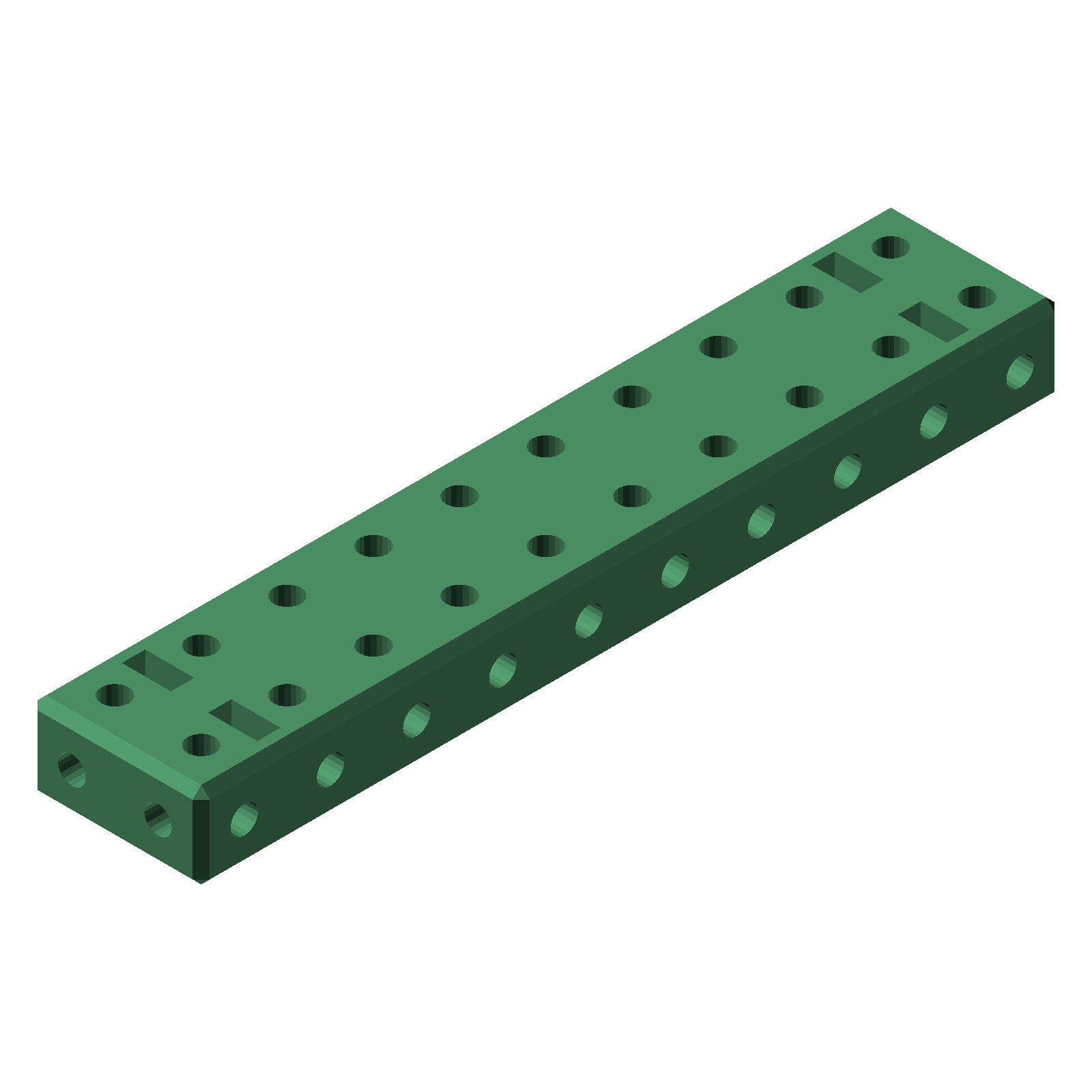
block() is a solid block with holes on all three axes, so parts can bolt together from any direction.
Customizing block with OpenSCAD parameters
block is a solid block of 1 cm units with a hole pattern on all three axes:
block(
dimensions = [3,3,3],
do_nut_pockets = true,
nut_thickness = global_default_nut_thickness,
nut_width = global_default_nut_width,
nut_clearance = global_default_nut_clearance,
chamfer_depth = 1.0,
hole_diameter = global_default_hole_diameter,
hole_faces = 20,
echo_parameters = true
);
| dimensions | the nominal size as an ordered list of 1 cm units, of the form [i, j, k] where i is the number of units along X, j along Y, and k along Z. |
| do_nut_pockets | when true (default), nut pockets are cut at the bolt axes so m3 nuts sit flush. |
| nut_thickness | nut thickness in mm (default global_default_nut_thickness, 2.6 mm). |
| nut_width | nut width across flats in mm (default global_default_nut_width, 5.5 mm, sized for m3 nuts). |
| nut_clearance | extra clearance around the nut pocket in mm (default global_default_nut_clearance, 0.2 mm). |
| chamfer_depth | edge chamfer in mm (default 1.0). |
| hole_diameter | mounting hole diameter in mm (default global_default_hole_diameter, 3.2 mm, sized for m3 screws). |
| hole_faces | the number of sides used for the round holes (default 20). Higher values give smoother holes but slower renders. |
| echo_parameters | when true (default), the OpenSCAD console echoes the full parameter list when you preview or render the module. |
If you leave a parameter out of the module call, that parameter will just have the default value. For example, these are all valid module calls:
block();
block([3,3,3]);
block(dimensions=[2,4,3], chamfer_depth=0);