 Back to docs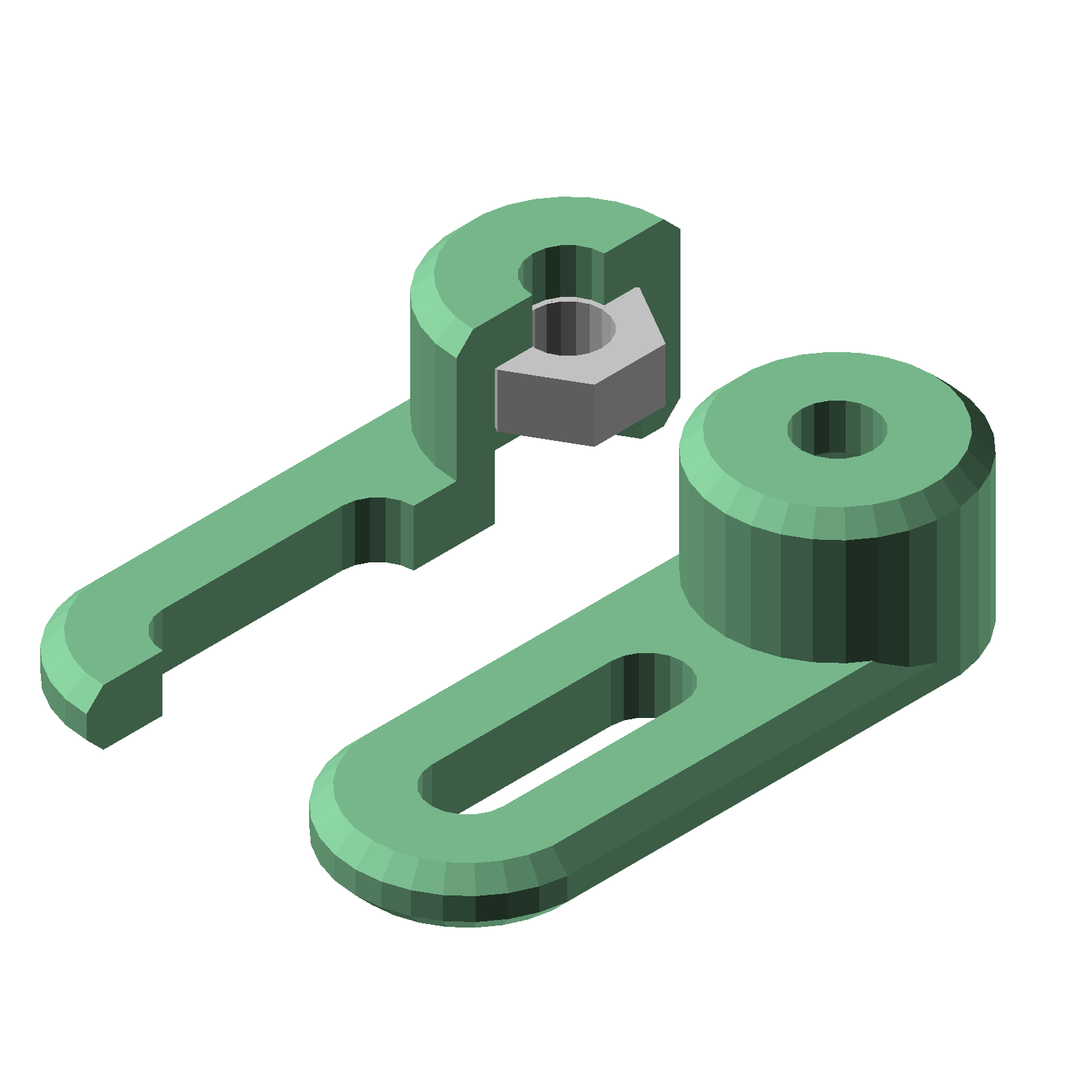
This is what is generated from slot_bracket();.
Customizing slot_bracket with OpenSCAD parameters
slot_bracket is the general-purpose transition part for off-the-shelf components. An m3 screw rides in its slot and a captive m3 nut sits in its pocket, so the bracket can be slid and rotated into position before being tightened down.
If you need smaller screws than m3 to mount a component, just change nut_width to match whatever nut size you need. For example, Raspberry Pi boards mount with m2.5 screws. Suggested values: nut_width = 5.0 for m2.5 nuts, and nut_width = 4.0 for m2 nuts.
Here it is called with every parameter spelled out:
| slot_length | slot length in mm (default 8). |
| slot_width | slot width in mm (default global_default_hole_diameter, sized for m3 screws). |
| nut_width | m3 nut width across flats in mm (default global_default_nut_width). |
| nut_clearance | added to the nut width where the nut pocket is cut (default global_default_nut_clearance). |
| overall_width | the bracket width in mm (default 10). |
| slot_wall_offset | wall thickness between the slot and the outer edge in mm (default 3.5). |
| plate_thickness | plate thickness in mm (default 2.5). |
| overall_height | the bracket height in mm (default 8). |
| nut_ceiling_thickness | the thickness of material above the nut pocket in mm (default 2). |
| chamfer_depth | edge chamfer in mm (default 0.75). |
| echo_parameters | when true (default), the OpenSCAD console echoes the full parameter list when you preview or render the module. |
If you leave a parameter out of the module call, that parameter will just have the default value. For example, these are all valid module calls: